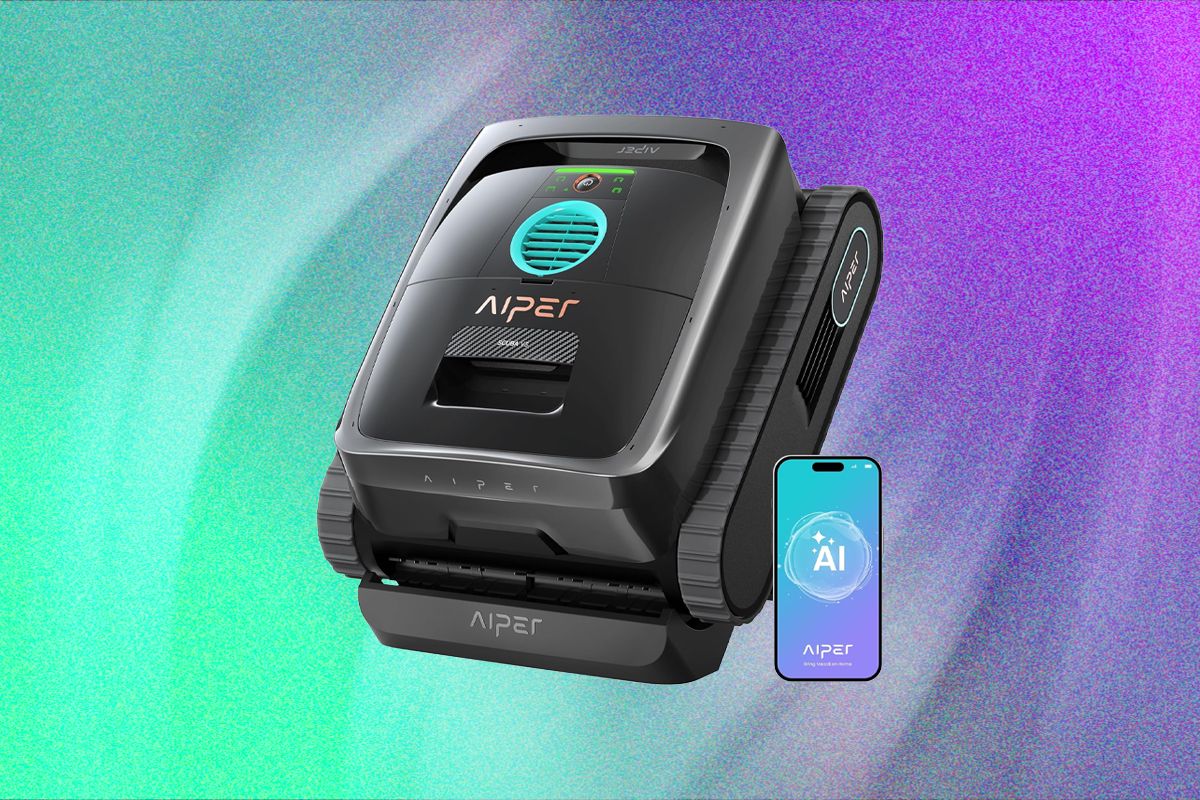
Optimized Cleaning Schedules for Effortless Pool Maintenance
The app offers two preset operational modes designed for users who prefer to leave the robotic cleaner in the pool unattended. One option is a calendar-driven schedule featuring three intensity settings: two sessions of 90 minutes, three sessions of 60 minutes, or four sessions of 45 minutes per day. The second mode, branded as AI Navium, promises intelligent cleaning by supposedly using an AI-powered camera to monitor the pool throughout the week and activate cleaning only when necessary. However, in practice, this mode simply analyzes past cleaning patterns and generates a routine for the upcoming days based on previous usage, rather than dynamically responding to real-time pool conditions.
Efficient Debris Removal and Performance Insights
During testing, the Scuba V3 demonstrated impressive efficiency in clearing debris from the pool. It consistently completed thorough cleaning cycles within two hours, effectively removing visible dirt from the pool floor while also scrubbing walls and the waterline. The AI camera system accurately detected even small objects, such as pebbles deliberately placed in the pool, and navigated to collect them. When dealing with organic debris, the pool appeared spotless after each cleaning session, which typically lasted between 170 and 190 minutes. For synthetic debris, the robot achieved a remarkable 96% cleanliness rate, leaving only a few leaves in hard-to-reach corners. This level of performance is notable given the relatively limited runtime of around three hours per charge. It’s important to note that users cannot manually adjust cleaning durations outside the preset schedules; on-demand cleaning cycles run until the battery is nearly depleted. Fortunately, the manufacturer specifies a maximum coverage area of 1,600 square feet, indicating the robot’s capability to handle larger pools efficiently.
Limitations of the AI Scheduling Mode
My experience with the AI scheduling feature was less than satisfactory. After running the analysis, the app proposed a confusing five-day plan consisting of two floor-only cleanings, two combined floor and waterline sessions, and a final floor cleaning. Despite this, the robot disregarded the schedule and instead performed a continuous three-hour floor cleaning that fully drained the battery. A subsequent attempt resulted in the robot missing its scheduled run and operating unpredictably late at night. This erratic behavior did little to inspire confidence in the leave-it-in-the-pool scheduling concept, which I was already skeptical about prior to testing.
Post-Cleaning Retrieval and Maintenance Tips
Upon completing a cleaning cycle, the Scuba V3 ascends to the waterline and sends a push notification to the user’s app, signaling that it is ready for retrieval and maintenance. However, there is a critical 10-minute window to collect the robot. Since it cannot float, the device uses its remaining battery power to activate a motor that keeps it treading water. Once this period expires, the robot sinks to the pool floor and must be retrieved manually using a pool hook or net. To avoid this inconvenience, I recommend setting a timer for approximately 175 minutes when starting a cleaning session to ensure timely collection.
Filter System: Ease of Cleaning and Practical Considerations
The Scuba V3’s filter basket is designed with a large, easily accessible lid, making it simple to remove and rinse the primary filter components. However, the inner mesh filter, which excels at trapping fine particles and dirt, presents a cleaning challenge. Debris often becomes lodged between the mesh and the basket, and removing or reinstalling the mesh-especially when wet-is cumbersome. As a result, I typically left the mesh in place and cleaned it as thoroughly as possible after each use, accepting that it would never be perfectly clean. This approach is likely to be common among users due to the practical difficulties involved.